Network plugin · Network
See every request. Mock any response.
The Network plugin shows every request your app makes while you test, and answers any of them with a response you choose. Test error screens, slow servers and realtime features without touching the backend.
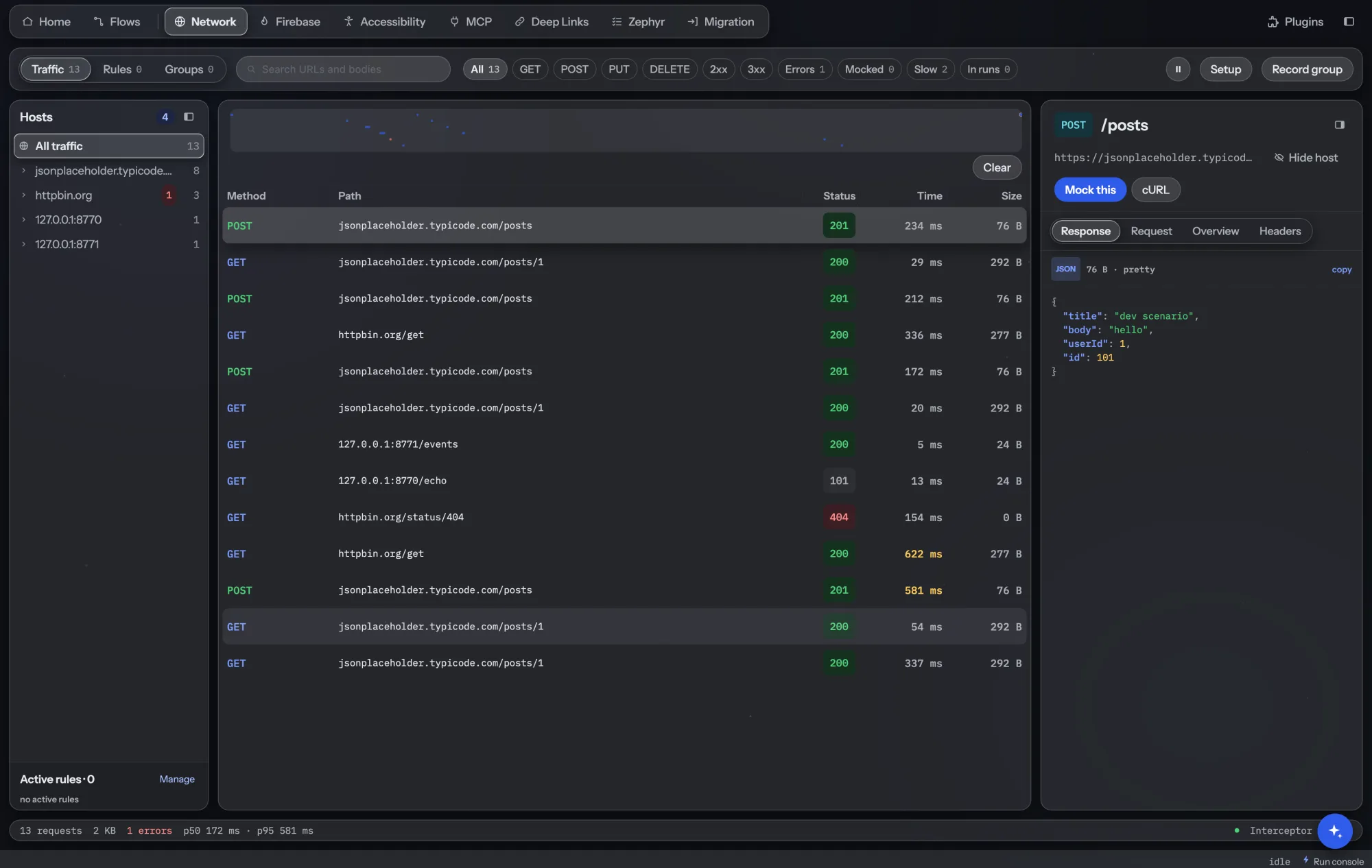
Everything in the Network tab.
Live traffic
Every call with its headers, bodies and timing. Filter by method, status, slow calls (over 500 ms) or calls made during a test run.
Mock rules
Answer a URL and method with your own status, headers and body. Match on the request body too, and return a different response after N calls.
Streams
Script a server for server-sent events and WebSockets: messages in order, with delays, so realtime screens get tested too.
Mock groups
Keep sets of mocks for a state of the backend, such as “new user” or “payments down”, and switch a whole set on at once.
Record a group
Use the app once and turn the real traffic into a mock group: a saved contract your tests can run against.
Share rules
Export rules as a ZIP and import them on another computer, so the whole team mocks the same way.
How teams use it.
Show the error screen for real
Make the payments call return a 500 or time out, then check the app shows the right message and lets the user retry.
Error paths get tested, not just the happy path.
Build the UI before the API ships
Mock the new endpoint with the agreed response and test the screen today. Remove the mock when the backend lands.
Mobile work doesn't wait for the server.
Run against a recorded contract
Record the traffic of a flow once and run the scenario against that group, in the app and on CI. Read how.
No more red runs because staging data changed.
Test chat and live updates
Script a WebSocket or event stream: a message arrives, the connection drops, it comes back. Check each state on screen.
Hard-to-reproduce states on demand.
Reproduce a bug from one response
Pick the call from the traffic list, turn it into a mock and replay the exact response that broke the screen.
A reproducible bug in minutes.
Find the slow calls
Filter calls over 500 ms during a run and see which screens wait on which requests.
Performance problems show up while you test.
- Included in Pro and Team, and in every plan's 6-week trial. See pricing.
- The app sends its traffic through a small interceptor library for Android, iOS or Flutter. See libraries and network docs.
- Mocks apply to the app on any connected emulator, simulator or device that uses the library.
- An AI agent can read traffic and add mocks through the AI Assistant plugin.